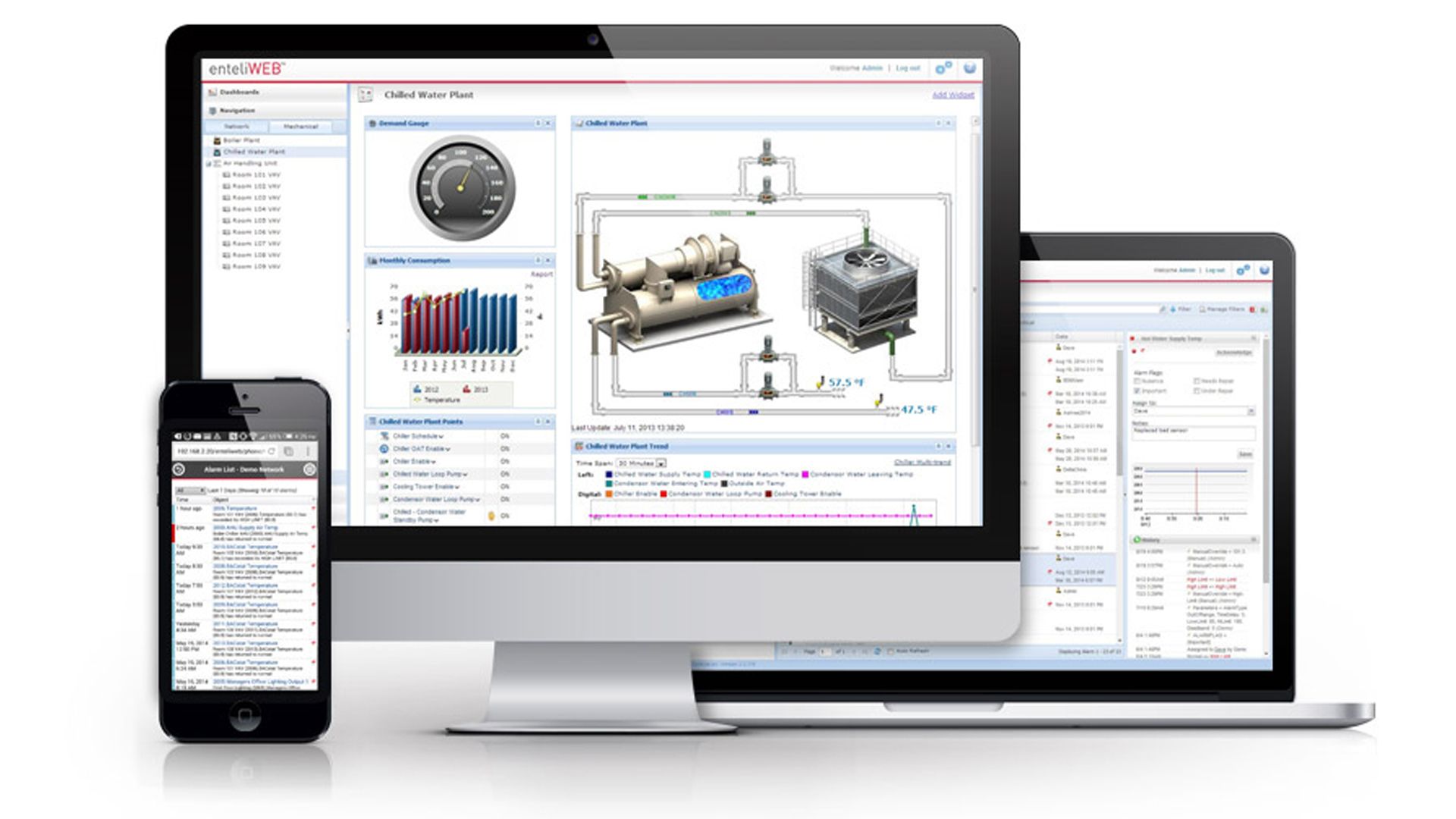
A quick video showing how admins can create a “gauge” widget. In this example the gauge will display a eBMGR CUP temperature (note: gauge will display the correct temperature based on the refresh rate selected during the widget creation).
enteliWEB
enteliWEB tips and tricks
enteliWEB tip: Create Personal Dashboard
How to create a personal dashboard
Video PlayerVideo Player
00:00
00:00
00:00
00:00
enteliWEB tip: Change Setpoint
Check the setpoint you wish to change, then in the “Command” drop down above, select “Manual Value”, type in the new setpoint, then click “Save”
Video PlayerVideo Player
00:00
00:00
00:00
00:00
enteliWEB tip: Save to Flash
Pretty simple, select the controller and in the “Device Actions” drop down menu to the right, select “Save Database”, “Save to Flash”.
Video PlayerVideo Player
00:00
00:00
00:00
00:00